Construction Photo Documentation Best Practices for 2026
A single well-documented photo can prevent a $50,000 dispute. Yet most construction teams still rely on phone camera rolls and email. Here are the practices that separate professional documentation from a chaotic photo dump.
1. Capture Rich Metadata, Not Just Pixels
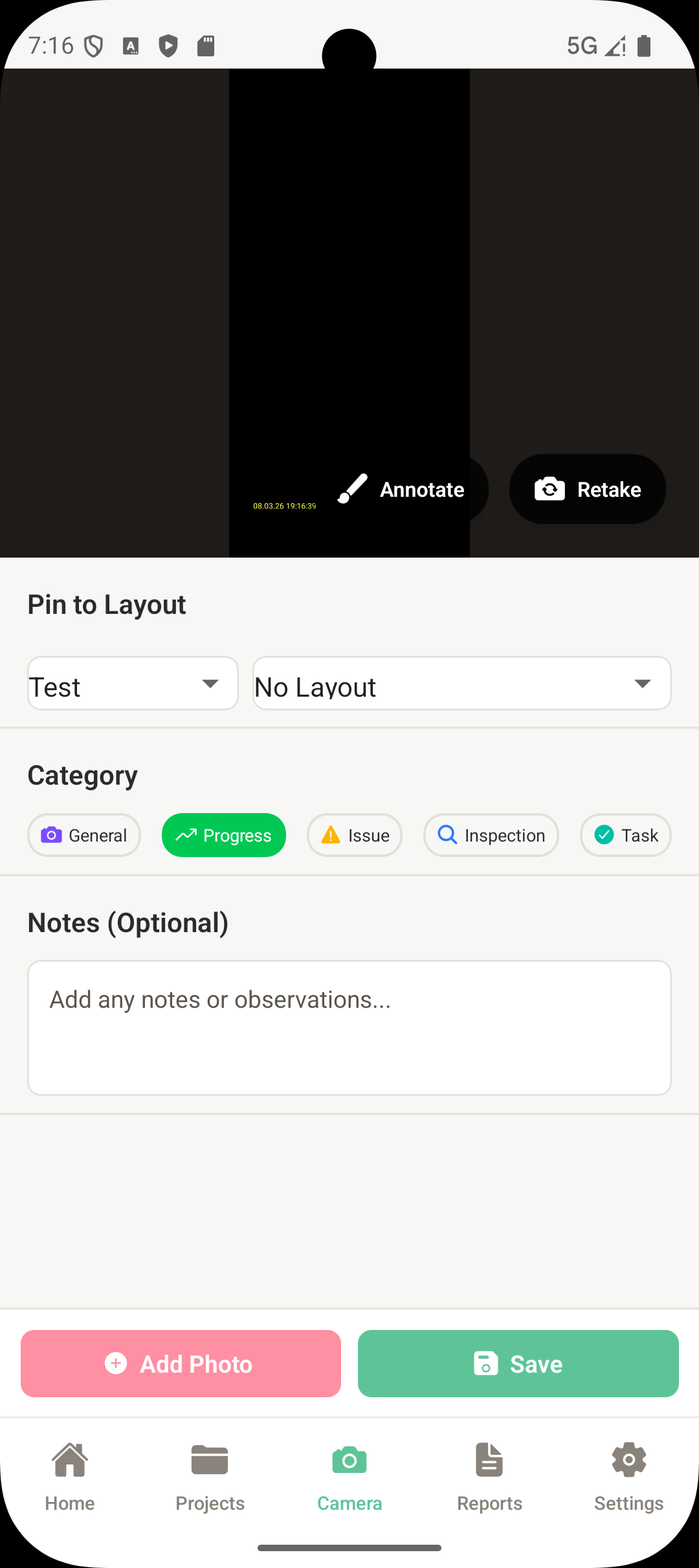
A photo of a crack in concrete means nothing without knowing where it is, when it was taken, and what was happening. Every photo should carry three layers of metadata:
- Spatial — GPS coordinates and a pin on the floor plan. Six months later, someone can find exactly where the photo was taken without asking you.
- Temporal — Automatic timestamp from the device. Ensure your phone clock is accurate — timestamps are used as evidence in disputes and warranty claims.
- Descriptive — What are we looking at, why does it matter, and what action is needed? This is the metadata most teams skip, and the one that matters most.
2. Standardize Categories Across the Team
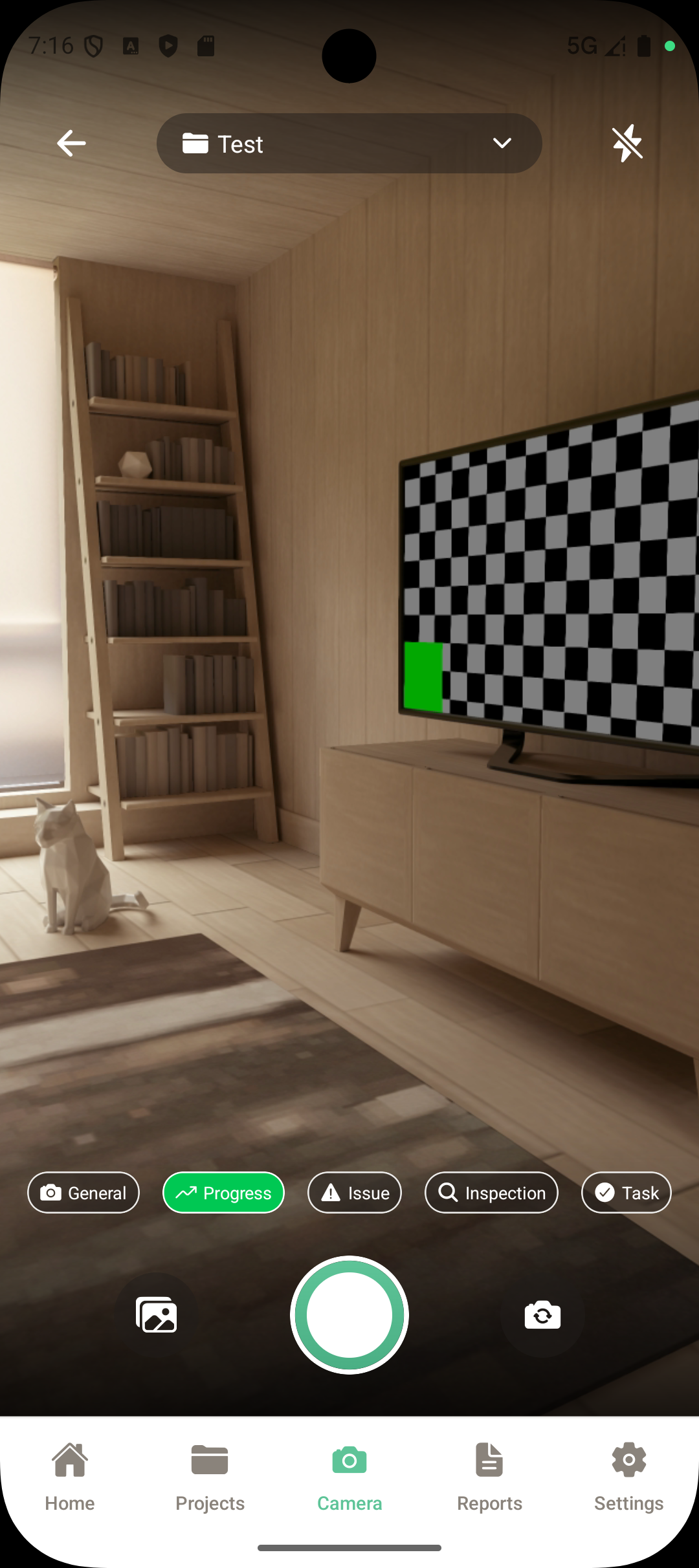
When five people use five different labeling systems, filtering and reporting becomes impossible. Agree on a fixed set of categories before the project starts and use them consistently:
- Progress — Milestones and completed work stages
- Issue / Defect — Problems requiring attention or rework
- Inspection — Formal compliance and quality checks
- Safety — Hazards, PPE compliance, safety equipment status
- General — Site conditions, deliveries, weather
3. Use Tasks for Before and After Tracking
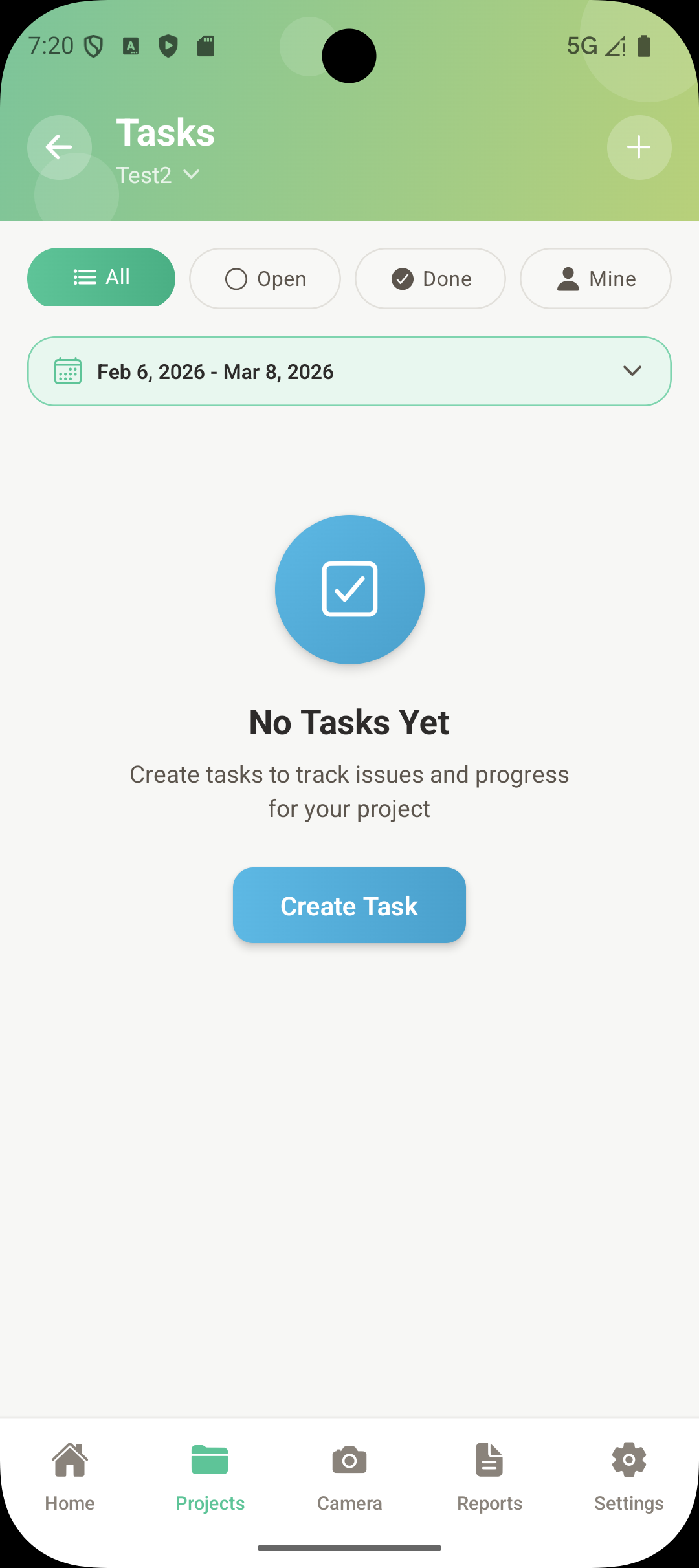
For every issue or rework item, capture both states. The most efficient way is to create a task directly from the issue photo. In SIAPP, you can tap any photo and create a task linked to it. When the issue is fixed, take a new photo on the same task. The app automatically splits photos into Before and After based on the task completion date — no manual sorting needed.
You can then generate a Task Report that shows before/after images side by side for every completed item. This creates an undeniable record that work was done and protects subcontractors by proving they fixed the issue.
4. Organize by Project, Not by Date
Phone camera rolls sort by date. That works for personal photos, not for construction. When you manage three projects simultaneously, scrolling through a mixed timeline of 2,000 photos to find the ones from a specific site is a waste of time.
Use an app that organizes photos by project and location. Each project has its own gallery, its own floor plans, and its own reports. When a client asks about their project, you open it directly — no searching through unrelated photos from other sites.
5. The 10-Second Rule for Notes
Adding a note takes about 10 seconds on site. Writing the same note at the office — after trying to remember which room you were in and what you were looking at — takes 5-10 minutes. For 100 photos, that is the difference between 17 minutes of field notes and 8+ hours of office work.
The rule: if you cannot add a note within 10 seconds of taking the photo, you are not doing it right. Modern apps let you speak or type a note immediately after capture, while you are still looking at the subject.
6. Protect Your Records for Legal and Warranty Use
Construction photos are not just for project updates. They become critical evidence in:
- Dispute resolution — Timestamped, GPS-tagged photos documenting pre-existing conditions or completed work
- Insurance claims — Visual evidence of damage, site conditions, and safety compliance
- Warranty claims — Proof of what was installed, when, and in what condition
- Regulatory compliance — Inspection records that satisfy local building authorities
For this reason, photos should sync to the cloud automatically and be stored in a system with an audit trail. A timestamped photo on a cloud server is far more credible than one pulled from a phone camera roll months later.
7. Write a One-Page Team Standard
None of these practices work if only one person follows them. Before the project starts, create a brief standard covering:
- Which app everyone uses (one app, one source of truth)
- Category definitions and when to use each
- Minimum photos per area or inspection type
- Note expectations (always include severity and required action)
- Report delivery schedule (same-day, per visit, or weekly)
Post it in the site office. Review it with new team members on day one. Consistency across the whole team is what turns photo documentation from a chore into a reliable system.